
Support and app information
Lemocu Dice
A colourful dice roller and coin toss companion for tabletop games, board games, quick decisions, and probability play.
Roll standard polyhedral dice, flip themed coins, use tap or shake controls, and keep the experience focused with no ads.
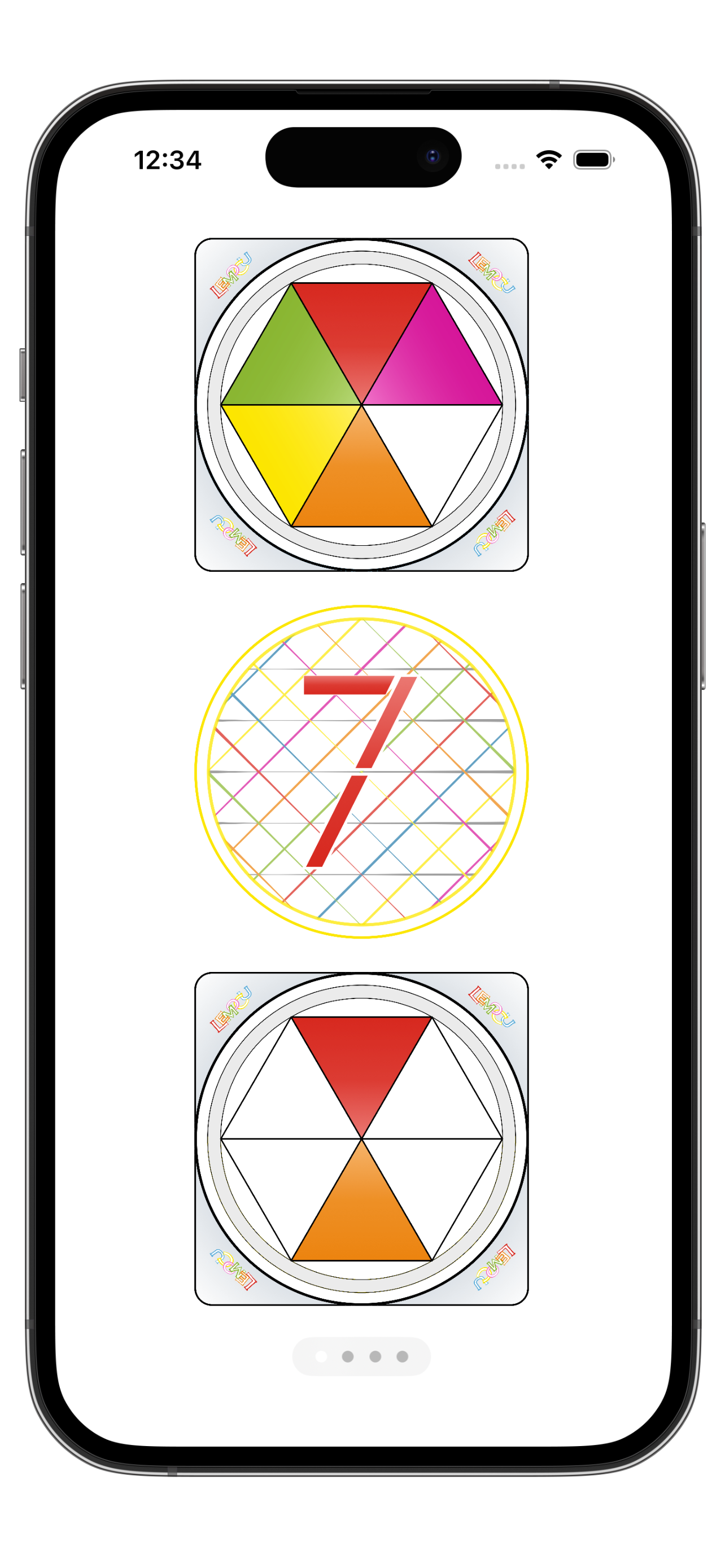
Roll, toss, and decide
Lemocu Dice gives you a bright, readable tabletop companion for RPG sessions, board games, classroom probability, and simple yes-or-no decisions.
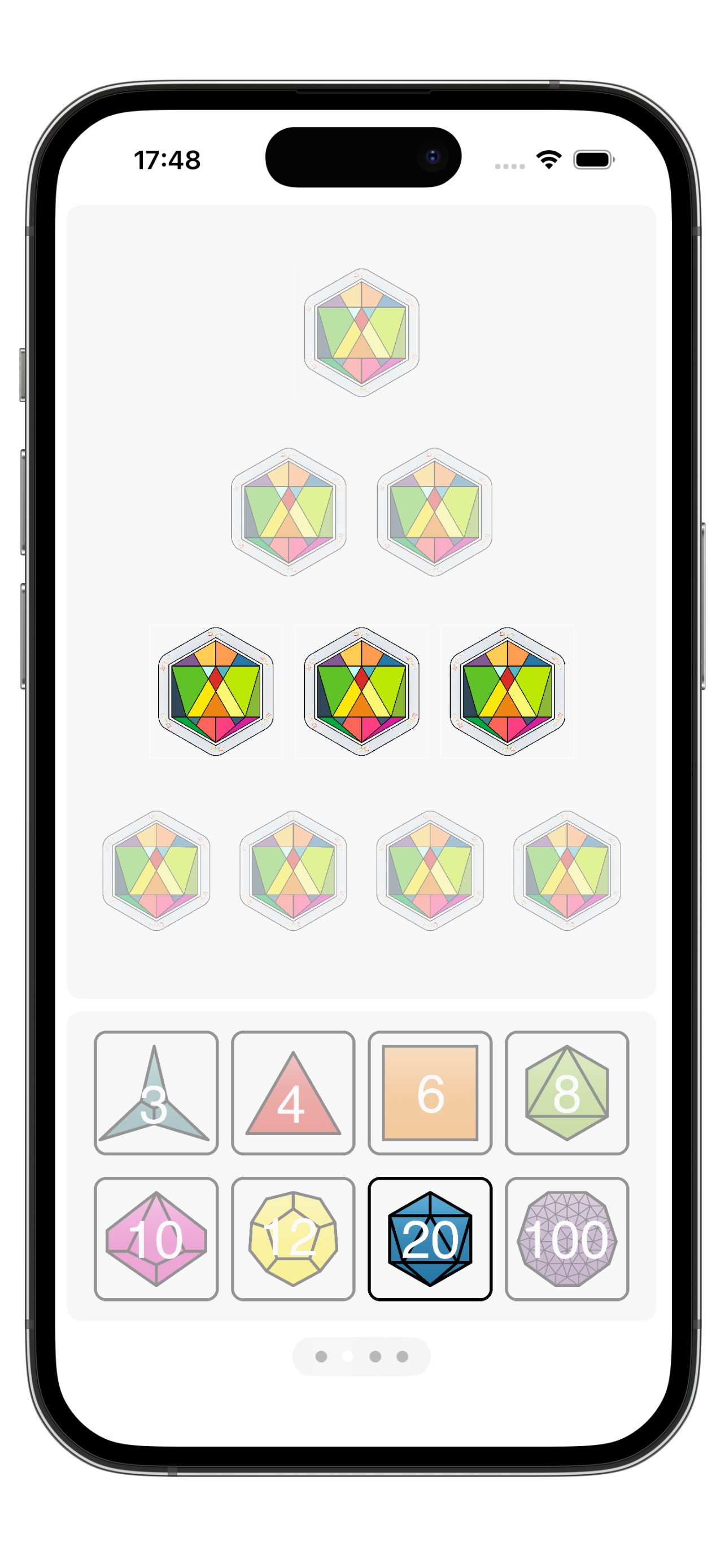
Choose your dice
Use the standard polyhedral set for tabletop RPG rolls, board games, or quick random numbers
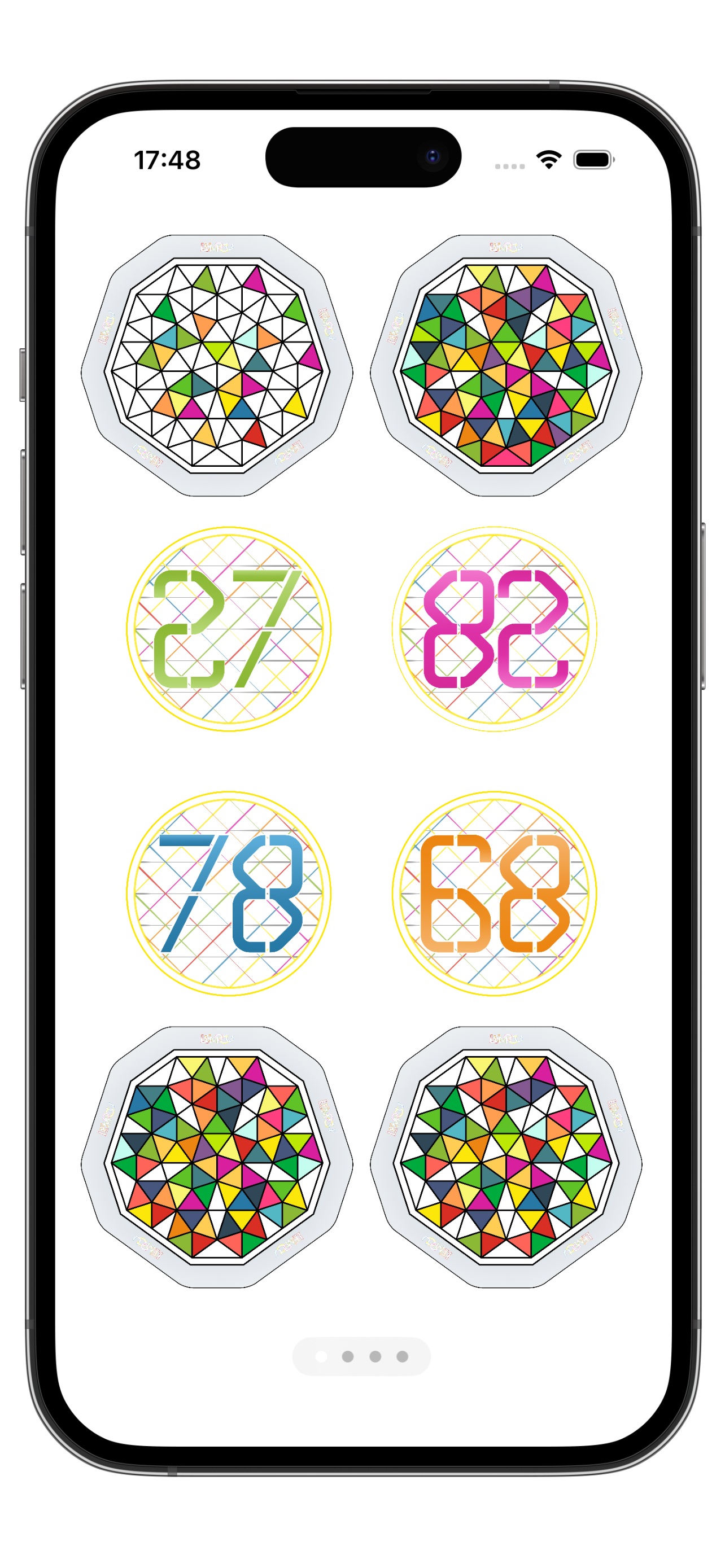
D100
D100 dice provides percentage roles
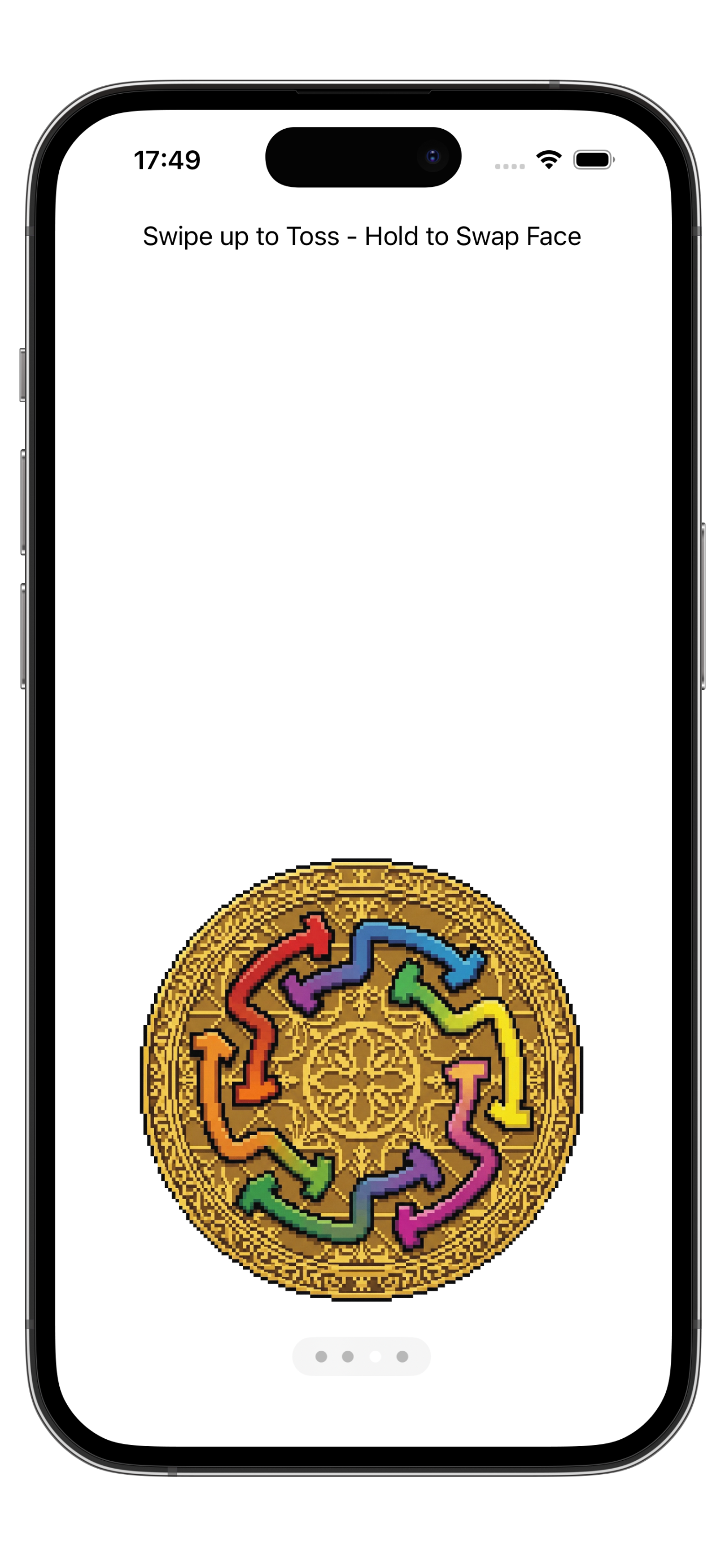
Flip a coin
Use coin toss mode when a quick heads-or-tails result is all you need. Differnt themed coins can be selected
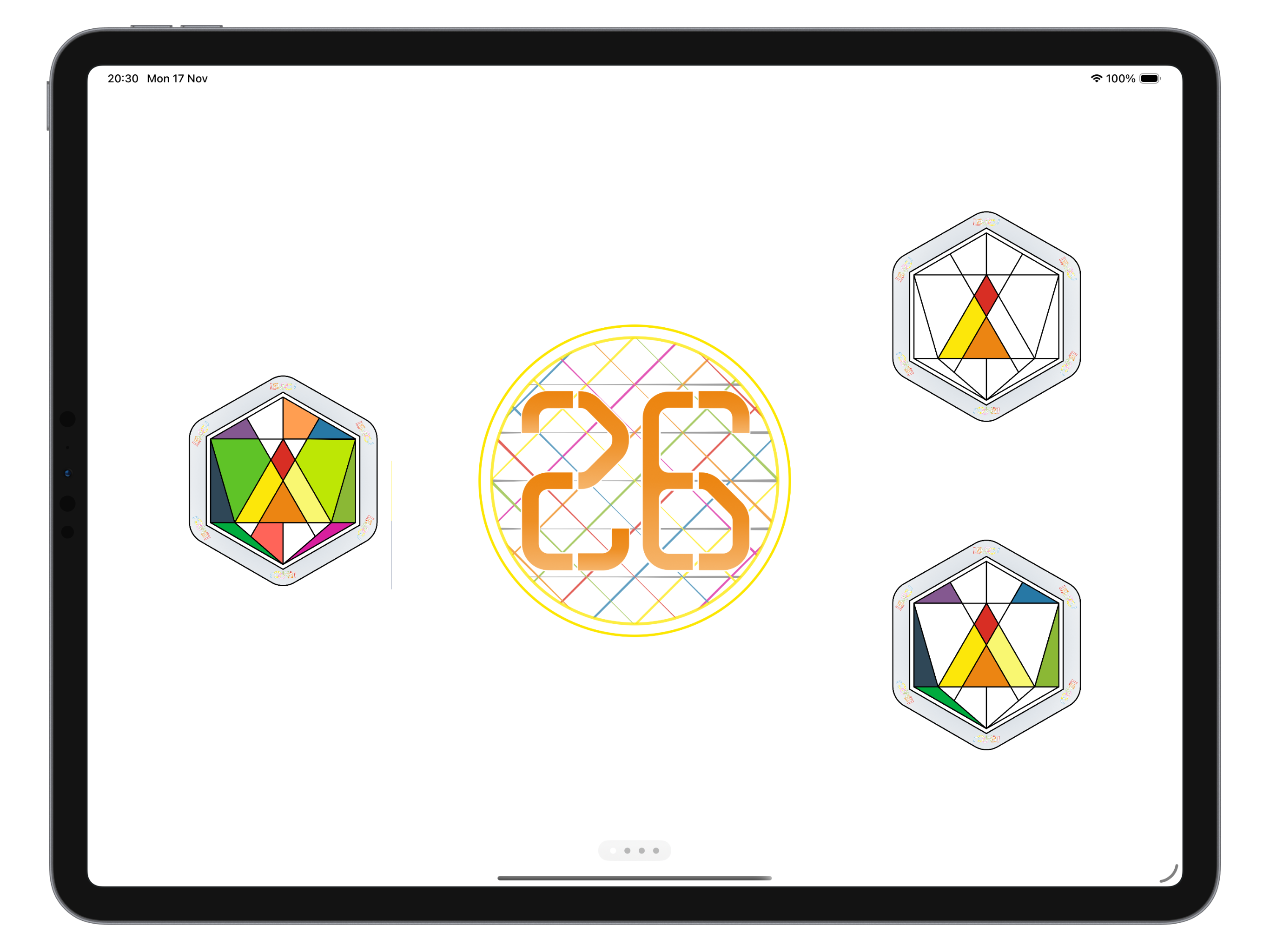
Ready for the table
Use Lemocu Dice on iPhone for pocket play or on iPad when you want larger rolls that are easier to see across the table.
What Lemocu Dice helps with
Keep random choices fast, colourful, and easy to read.
Tabletop RPGs
Use D20 and other polyhedral dice for initiative, checks, damage, and percentage rolls.
Board games
Replace a missing die or keep spare dice ready when a game needs more than one roll.
Quick decisions
Flip a coin when you need a simple choice without overthinking it.
Haptic play
Use tactile feedback and simple gestures to make digital rolls feel satisfying.
Support Topics
These notes cover the most common dice, coin, and privacy questions.
Rolling dice
Select the die or dice you want to use, then tap to roll. Supported dice include common tabletop options such as D4, D6, D8, D10, D12, D20, and percentage-style rolls.
Using coin toss
Open coin mode and swipe, flick, or tap depending on the current control. You can use coin toss for heads-or-tails decisions and lightweight game moments.
Shake controls
If shake controls are enabled on your device, shaking can trigger a roll. Device motion settings and hardware behaviour may affect the feel of this gesture.
Privacy
Lemocu Dice does not require a Lemocu account. Lemocu does not collect data from this app.
Need help with Lemocu Dice?
Use the support button with your device model, iOS or iPadOS version, and a short description of the issue.