Support and app information
LemoLM
A local-first AI model playground for iPhone, iPad, and compatible Apple silicon Macs. Test prompts, compare local models, and see how on-device language models behave.
Use Apple Foundation Models where available, or download supported GGUF models for multilingual chat, reasoning, coding, translation, and model comparison.
Version 1.7.0
Desktop-class reasoning and new specialist models
This release broadens the Full Model Playground and makes Performance Snapshot more useful for understanding and sharing real on-device results.
GPT-OSS 20B for Mac
Run OpenAI's desktop-class reasoning model on suitable Apple silicon Macs with at least 24 GB unified memory. Choose Low, Medium, or High reasoning effort.
IBM Granite 4.2 3B
Explore a compact reasoning model for local chat, coding, structured answers, and comparison with other on-device models.
LFM2 English-Japanese Translation
Use Liquid AI's compact specialist model for fast, private English-to-Japanese and Japanese-to-English translation.
Expanded Performance Snapshot
Review device, OS, thermal, power, battery, and memory context alongside generation timing, then export the full conversation and snapshot or either one separately.
Choose, tune, and understand local models
Browse the model catalogue, control how supported models generate, and inspect the device conditions behind each result.
Browse the model catalogue
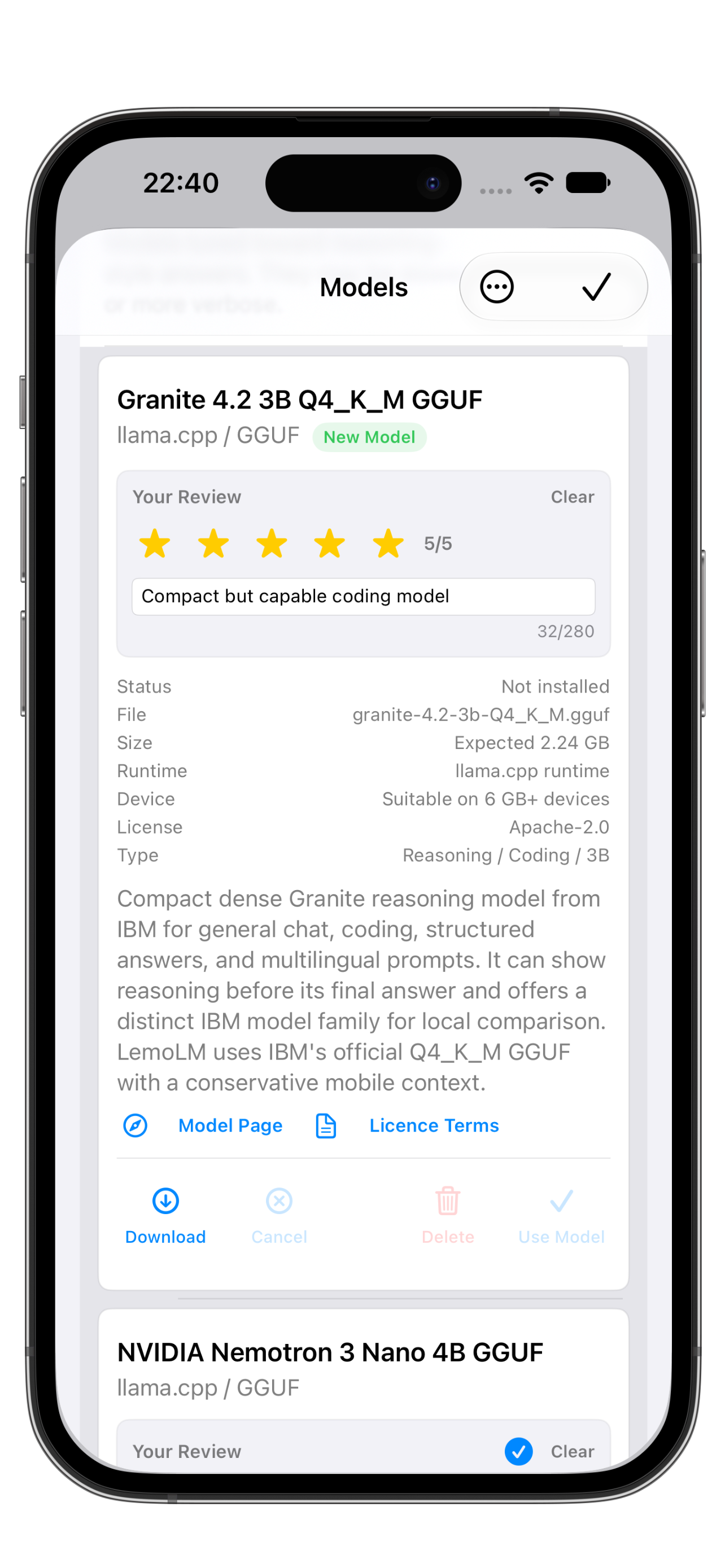
Compare free and Full Playground models by purpose, size, runtime, licence, and device suitability.
Inspect real performance
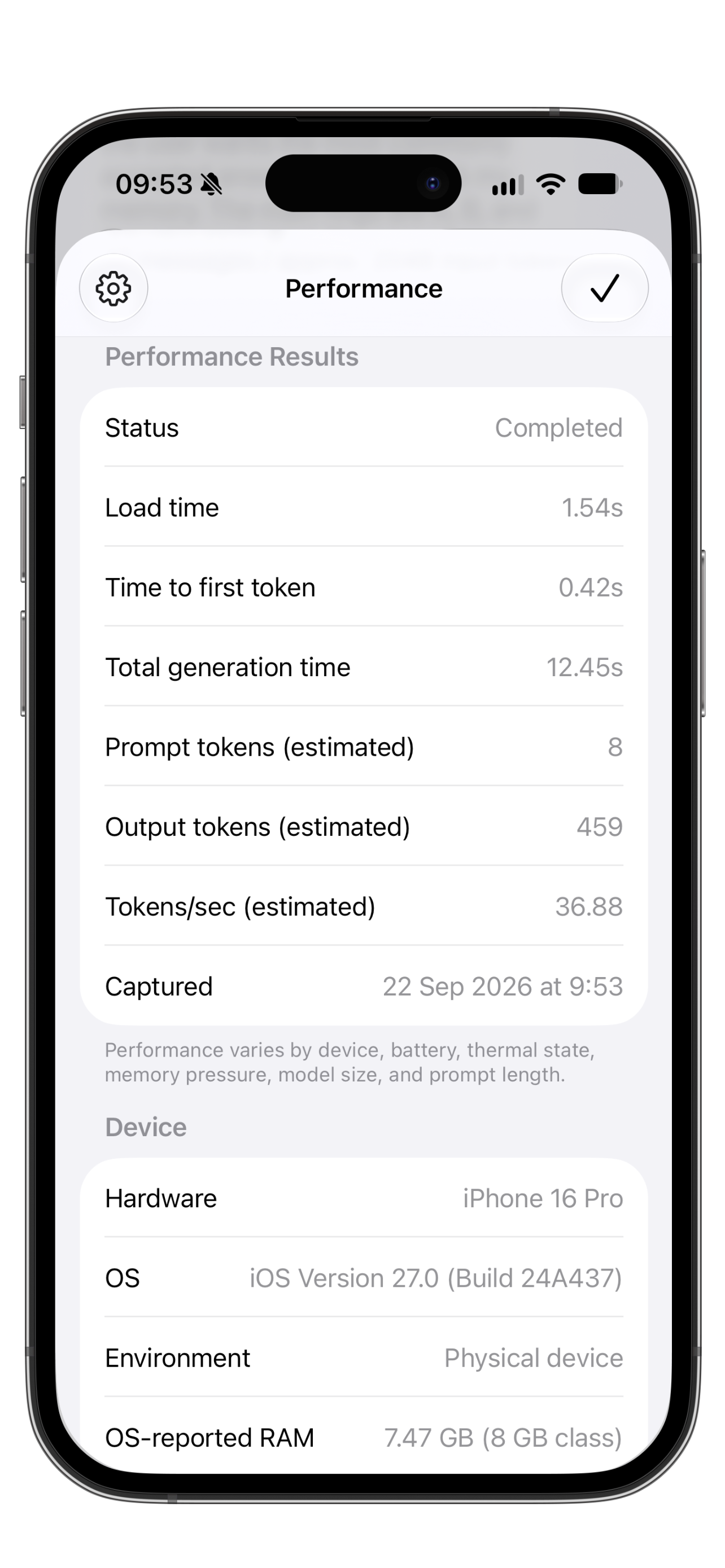
Review generation timing, token estimates, speed, memory, thermal state, power state, and other device context.
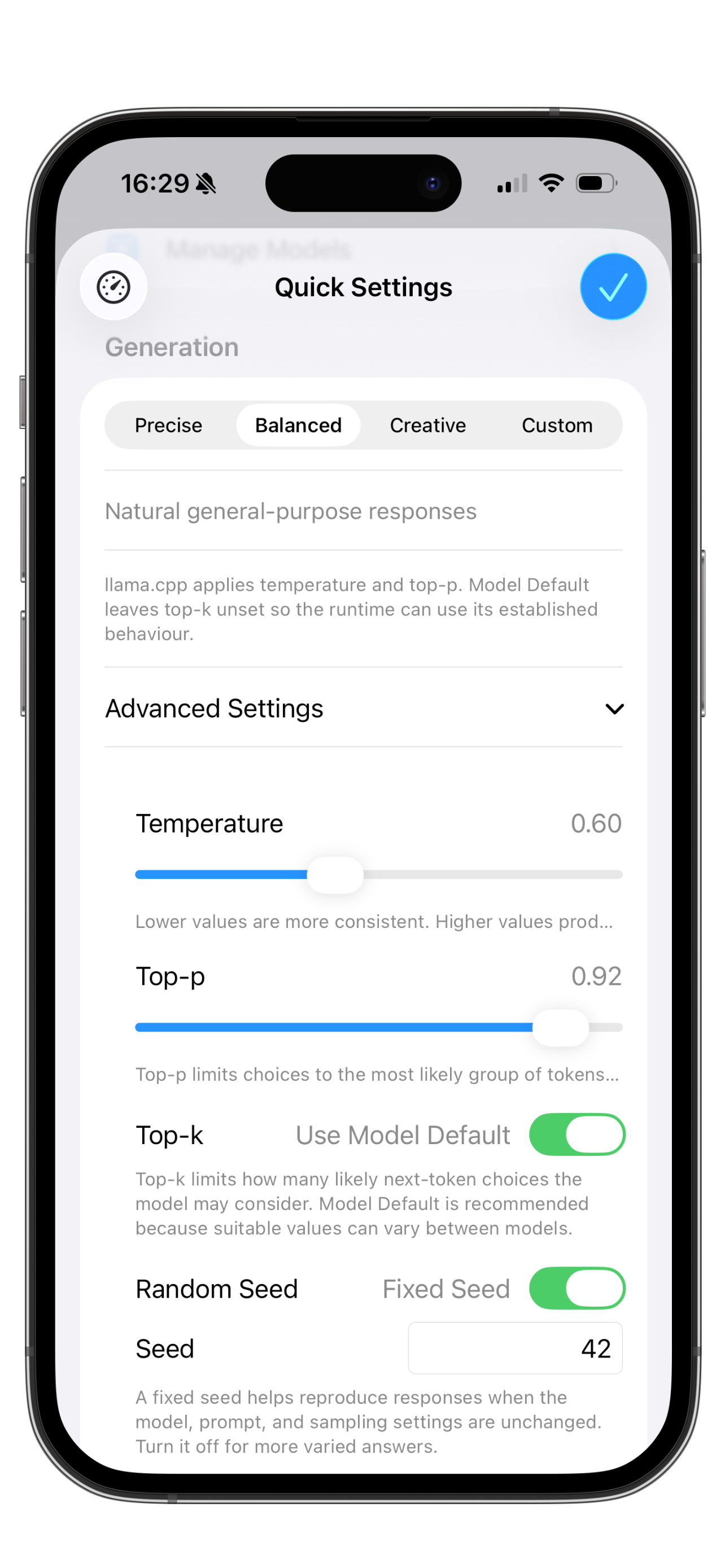
Control the output
Choose Precise, Balanced, or Creative, or customise Temperature, Top-p, Top-k, and Seed.
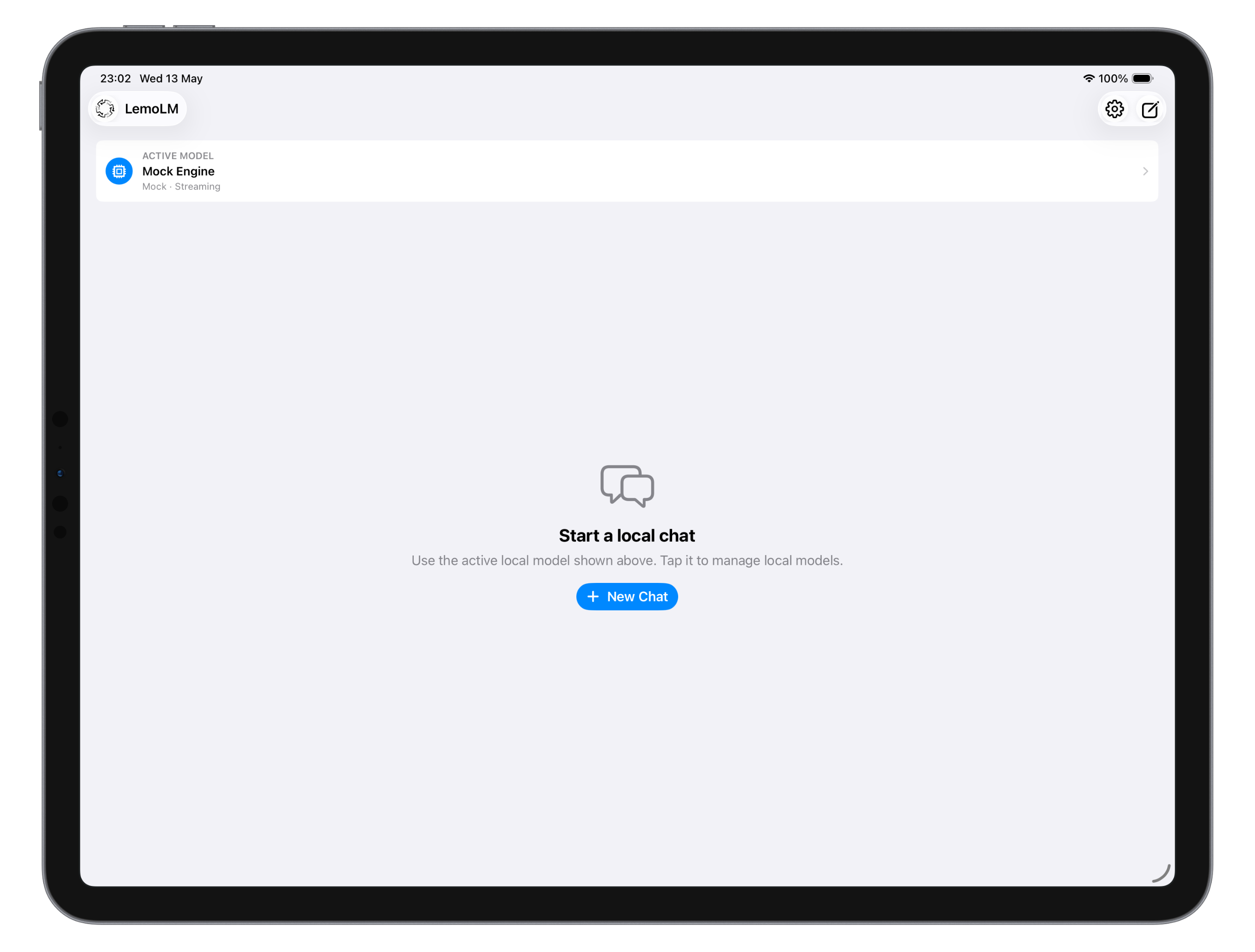
Across iPhone, iPad, and Mac
LemoLM adapts from compact iPhone sessions to larger iPad and Mac screens. Performance depends on the device, available memory, operating-system version, thermal state, power state, and selected model.
What LemoLM helps with
The app is intended for experimentation, learning, measurement, and comparison of local language models.
Model comparison
Compare multilingual, reasoning, coding, translation, and compact general-purpose models on your own device.
Generation control
Use simple presets or customise supported sampling controls, context, and output length for different tasks.
Performance transparency
Use Load Diagnostics and Performance Snapshot to understand model loading, generation speed, memory, power, and device conditions.
Compare and keep
Rate models, add personal notes, export conversations and snapshots as Markdown, and use the glossary to learn local-AI terminology.
Support Topics
These notes cover the most common setup, model, privacy, and performance questions.
Getting started
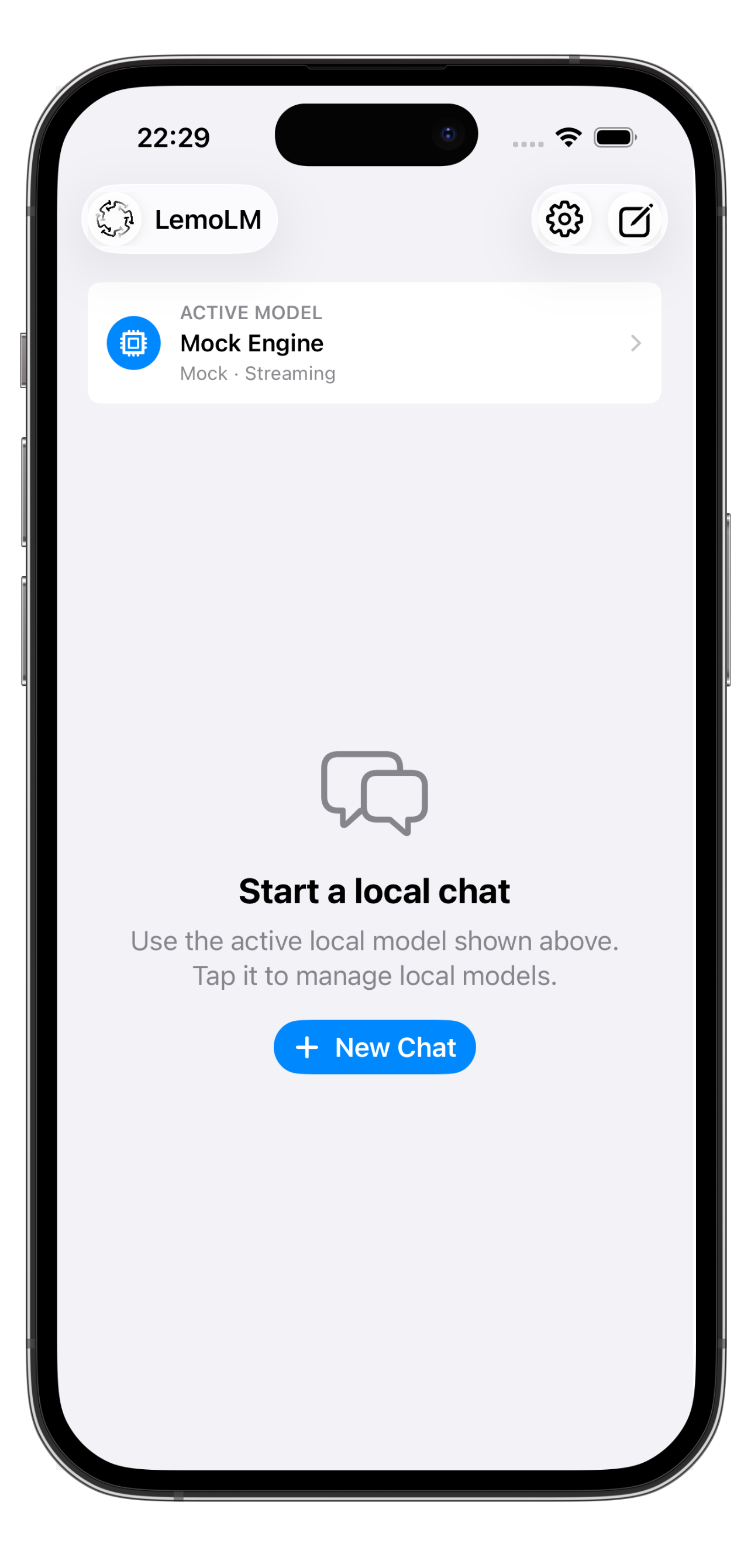
Open LemoLM and choose New Chat to begin with the active model shown on the home screen. Enter a prompt and LemoLM will generate a response using the selected local engine. Open Models at any time to compare or change models.
Choosing and downloading models
Open the Models screen to view supported local model options. Model cards show information such as status, expected size, runtime, device suitability, licence, model type, and a model page link where available.
Free and unlockable models
LemoLM is free to use with Mock Engine, Apple Foundation Models where available, Qwen3 1.7B, and SmolLM2 1.7B. The optional one-time Full Model Playground Unlock adds supported specialist, reasoning, coding, multilingual, and larger comparison models. Availability can change with licensing, runtime compatibility, and device capability.
Using LemoLM on a Mac
LemoLM runs on compatible Apple silicon Macs. Mac hardware can provide more unified memory for larger models, but suitability still depends on model size and available resources. GPT-OSS 20B requires a Mac with at least 24 GB unified memory and is a large download intended for desktop-class local reasoning.
GPT-OSS reasoning effort
GPT-OSS 20B offers Low, Medium, and High reasoning effort. Higher effort may spend more time and output tokens before producing a final answer. If generation ends before an answer appears, reduce the conversation context, increase the output allowance, or choose a lower reasoning effort.
English-Japanese translation
LFM2 English-Japanese Translation is a compact specialist model for focused English-to-Japanese and Japanese-to-English translation. It is intended for short translation tasks rather than general conversation or factual question answering.
Generation settings
Choose Precise, Balanced, or Creative for quick setup, or use Custom to adjust Temperature, Top-p, Top-k, and Seed. Generation and context settings persist between sessions and can be reset to their defaults.
Performance Snapshot and exports
Performance Snapshot records recent generation timing together with available device, operating-system, thermal, power, battery, Low Power Mode, and memory context. Conversation sharing can export the complete snapshot and conversation, the snapshot only, or the conversation only as Markdown.
Load Diagnostics
Open Load Diagnostics when a downloadable model does not load as expected. It shows device memory, runtime mode, model-file status, and recent generation information that can help identify compatibility or memory-pressure problems.
Privacy
LemoLM is local-first. Conversations are stored on your device, and supported local engines process prompts and responses on-device. Model downloads require internet access and may connect to third-party model hosts such as Hugging Face.
Accuracy and safety
Compact on-device language models can hallucinate, misunderstand prompts, omit context, or provide inaccurate information. Always verify important information, especially for health, legal, financial, safety, or current-event topics.
Model performance
Performance depends on your device, available memory, operating-system version, thermal and power state, and selected model. Larger models may download or load slowly, use more energy, heat the device, or fail on lower-memory hardware. Compact models are generally better suited to older or lower-memory devices.
Need help with LemoLM?
Use the support button with your device model, operating-system version, selected model, and a short description of the issue. For loading or generation problems, include the relevant Load Diagnostics or Performance Snapshot details where possible.